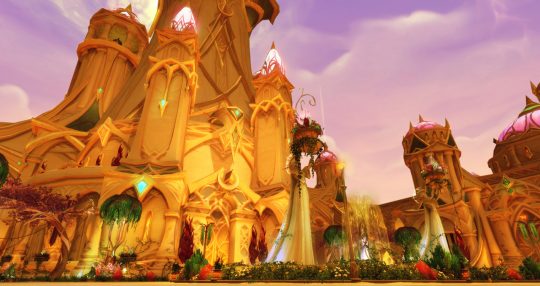
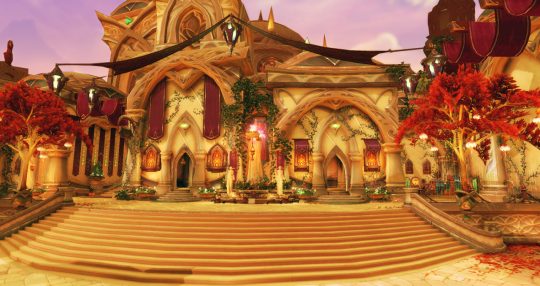
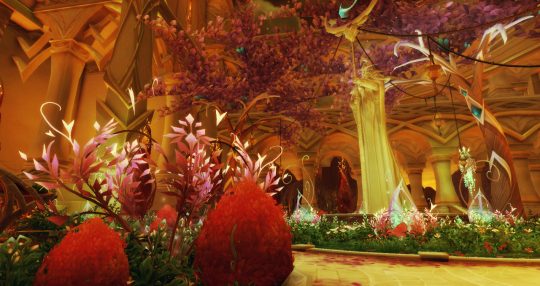
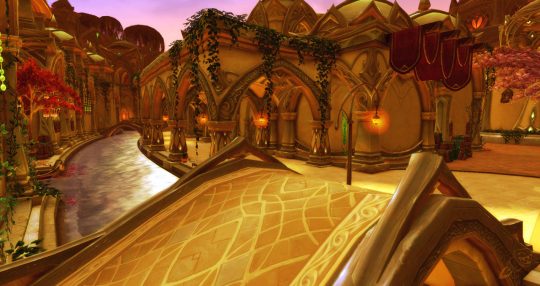
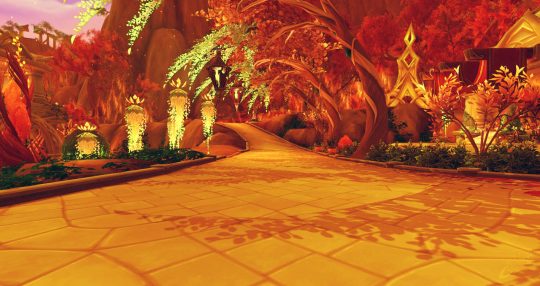
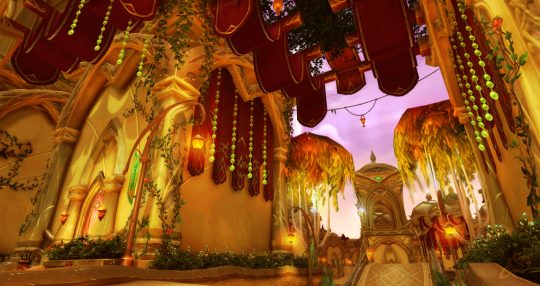
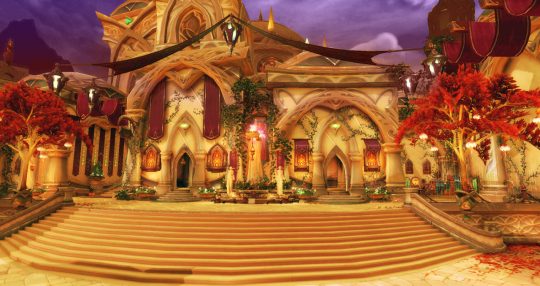
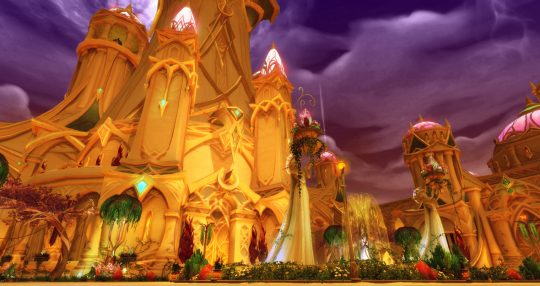
Well ok I did more because they’re fun/easy, and also fixed the first two with a different colour mode on the sky that makes it brighter. Reminder: These are colour edits of (Wowhead’s) screenshots of Suramar! It’s not actually re-made Silvermoon (as much as we’d all love that).
Once Legion hits if anyone wants to make their own edits of Suramar for backgrounds/funsies:
Auto Colour+Contrast+Tone to kill some of the blue.
Color Balance (Ctrl+B) and pump up the yellows and reds (about halfway, less so for Shadows. More yellow for Highlights)
Add a 50% Overlay layer of #ffe105 (or similar) on top of that
Duplicate the screenshot, put it on top of the yellow layer, desaturate, set to 50% and Soft Light.
Merge the whole thing. Try another round of Auto Colour+Contrast+Tone, fading (Shift+Ctrl+F) or undoing as necessary if it doesn’t look good.
On top of that, make a layer that’ll only cover the sky (I lasso-tool’d a rough shape then went in to erase overlap and leaves and such). Fill it with a Silvermoon sky gradient (I used #9c77bc to #ecafaf) and set it to Screen.
There’s lots of more finicky little stuff that can be done with them, like adding more Colour layers on top of stuff like gems or trees, but that about covers my process for most of them :V
I did some quick colour edits of a couple of the Suramar screenshots from Wowhead, to see what it might be like if they ever remade Silvermoon City with updated graphics…
Oh, if only.
A sandbox mod of Suramar with re-coloured skins and lighting would be neat, at least 😛