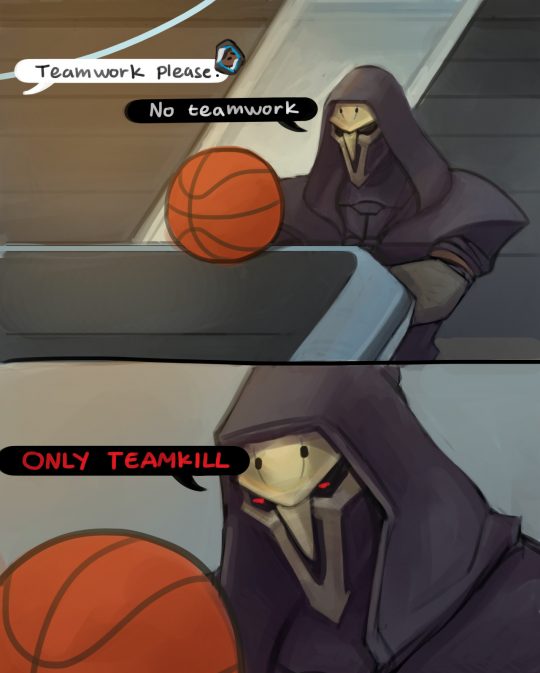
We ended up losing that game horribly
felixalexius:We ended up losing that game horribly
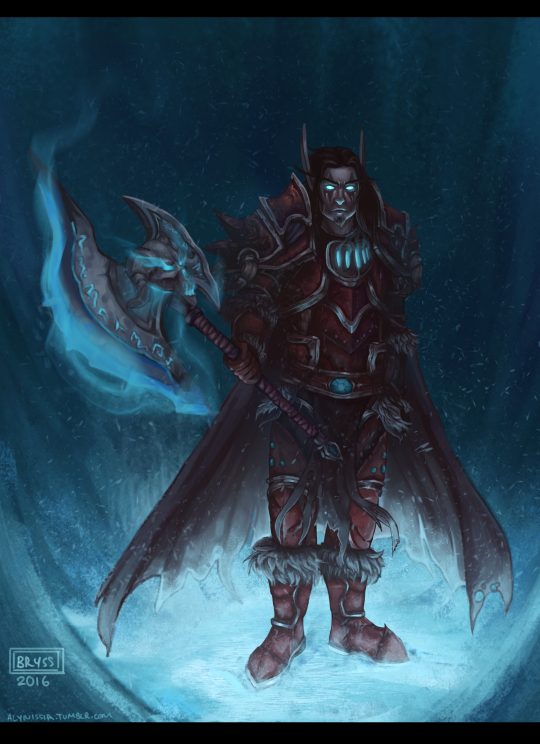
tevruden: icyvveins: *wheezes* …………..it s been 8 2 year s………… finished (and much overdue) commission for @tevruden Yesssssssssss, Tevrugos looks so good. Thank you so much!
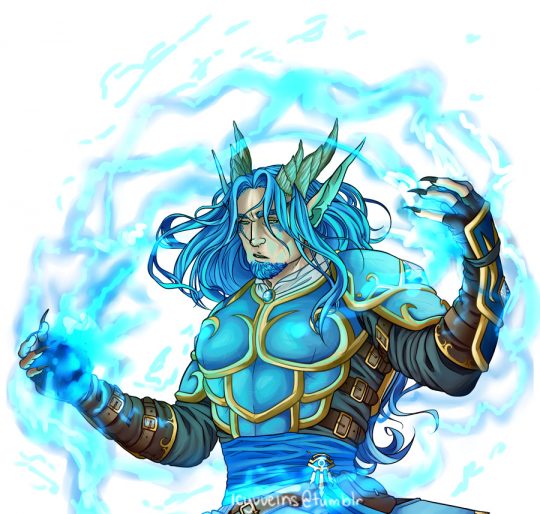
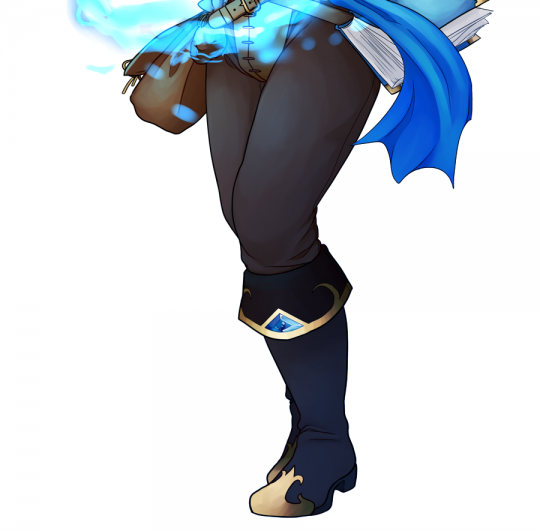
*wheezes* …………..it s been 8 2 year s…………
finished (and much overdue) commission for @tevruden
Yesssssssssss, Tevrugos looks so good.
Thank you so much!
I wanna commish some head/bust shots of my WoW ocs from an expressive artist. Gimme your favs/recs people.
I know @garbagedk is open for commissions.
Here’s their art tag: https://garbagedk.tumblr.com/tagged/my-art
gotta give it up to the overwatch fanbase for successfully shitting themselves every time a holiday based update happens
This bug is impossible!
I’d like to remind every one that this was a thing:

Requests?
Considering taking WoW requests, in my simple cartoon style. I prefer not thinking about anatomy, since in all honesty its still something I struggle a lot with after so many years of practisea. To the degree that I enjoy drawing my more realistic style way less than my silly cartoon ish one.
Send me references of your WoW characters and I might draw them depending on how many I’ll make! This is only for followers btw!
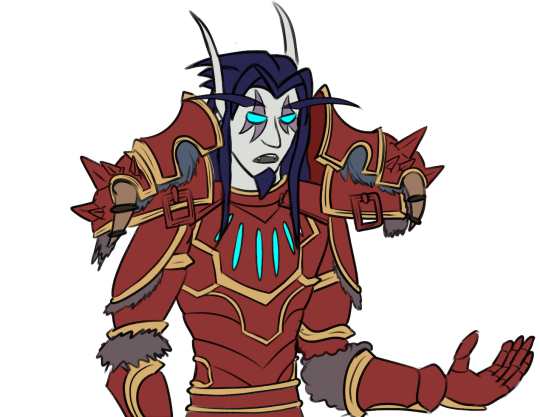
here’s a Tev:
random photoshop tips:
* if you want, you can always give smart sharpen a try, rather than just using sharpen. you can control the amount and how it’ll affect the surrounding area, rather than just an overall application of sharpness.
* photo filters are also a neat thing and can help unify colors of a piece or even set a mood. there are cool and warm filters, along with colors (red, orange, blue, purple, etc)
* i tend to do a separate layer filled with grey (7f7f7f), then noise > add noise > gaussian at around 3-5%, then set that layer to overlay. it adds noise to your picture and helps break up the color of your image and adds a neat effect!
* having trouble with a particular curve of your lineart? use path (pen) tool. trace out the shape that you want and then loop it back around to the origin point. go path > make selection, right click the selection, then use stroke. after that you can just erase any of the line that you do not want.
* if you want a straight line with your brush, click the starting point on the canvas, hold shift and press another point. viola! straight line.
* if your image looks a bit flat, i find that adding a new curve layer and setting it to ‘linear curve’ helps immensely.
uhh there’s a lot more but that’s all that comes to mind atm. hopefully this helps some of you!
macabrecabra: When you are the toll and want to carry the smoll, but the smoll is a cyborg and carrying his weight is like trying to carry a baby elephant on your back. I like to headcanon that Genji is actually sort of heavy due to all the cybernetics and is also a lot
When you are the toll and want to carry the smoll, but the smoll is a cyborg and carrying his weight is like trying to carry a baby elephant on your back.
I like to headcanon that Genji is actually sort of heavy due to all the cybernetics and is also a lot stronger than people think. Reaper can’t carry the smoll but Genji just carries him around like a princess without any trouble.
His pride is wounded
but he secretly likes being carried like a princess in Genji’s smoll yet strong arms.
4metista: There you have it! You can cross off the spaces throughout a day and see if you win! (Let’s face it, this will be an easy one to complete…) Or you can just read this so you can relate to what’s listed and feel less alone. Thanks for all the suggestions! Finally, a
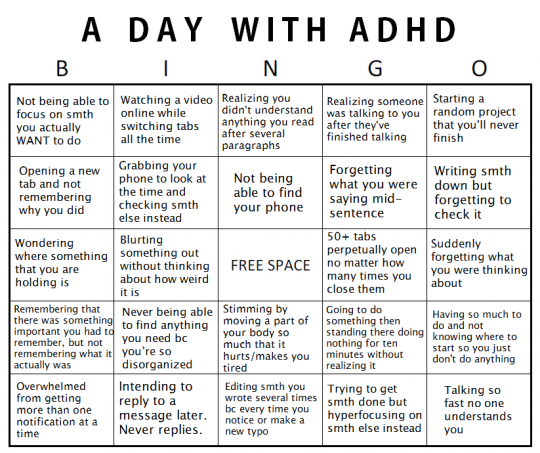
There you have it! You can cross off the spaces throughout a day and see if you win! (Let’s face it, this will be an easy one to complete…)
Or you can just read this so you can relate to what’s listed and feel less alone.
Thanks for all the suggestions! Finally, a project I have finished.